Zigbee, Z-Wave or Wi-Fi: which protocol to choose
We compare Zigbee vs Z-Wave for sensors, switches, locks and automation. Wi-Fi is good for cameras and data-heavy devices, while Zigbee and Z-Wave are better for reliable sensors.
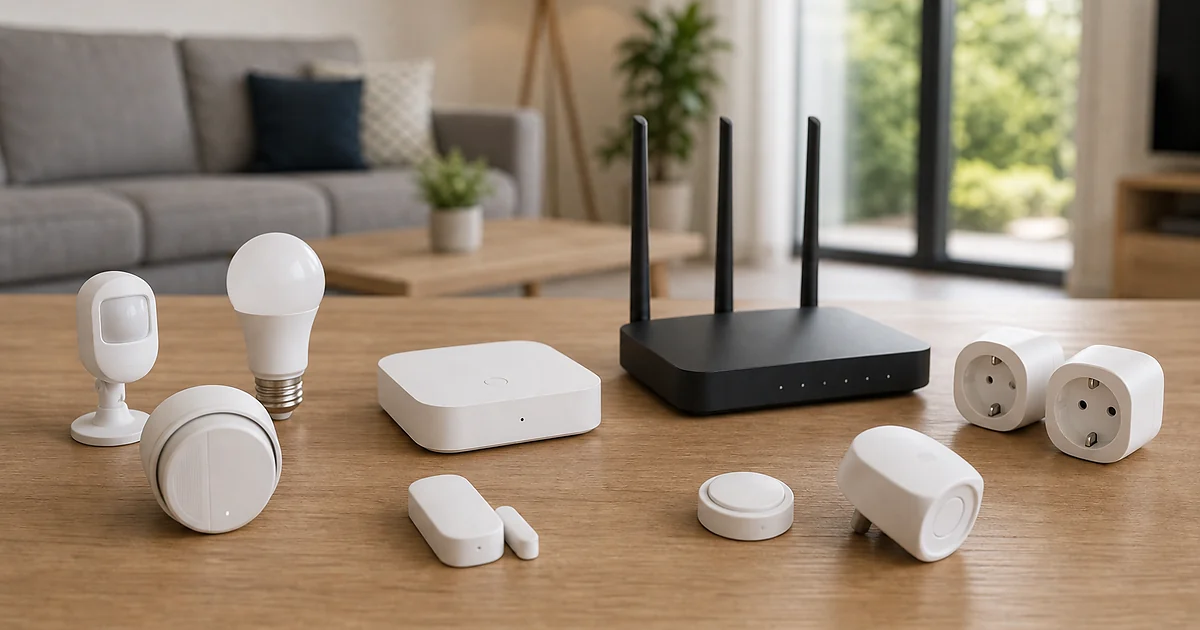
Quick answer
If you want a fast decision, start with a scenario: what should happen when you leave, return, get up at night, detect water or want to lower the heating. Devices are chosen only after the scenario is clear.
What matters when choosing
Zigbee is common, affordable and suitable for lights, buttons, sensors and relays. Z-Wave is often more expensive but stable for locks and technical systems. Wi-Fi does not need a hub, but with many devices it can overload the network.
A good smart home does not add work. It runs quietly in the background, does not send unnecessary notifications and does not require every family member to understand five apps. Fewer reliable scenarios are better than many random devices.
Local example and price
In a house in Maribor cameras can run over IP/PoE, sensors over Zigbee, and the lock or heating over Z-Wave. The user must see everything in one app, otherwise the smart home quickly becomes tiring.
In Ljubljana a common starting point is an apartment without drilling, in Maribor it is houses with heating and a yard, and in Koper apartments, humidity and temporary access for guests.
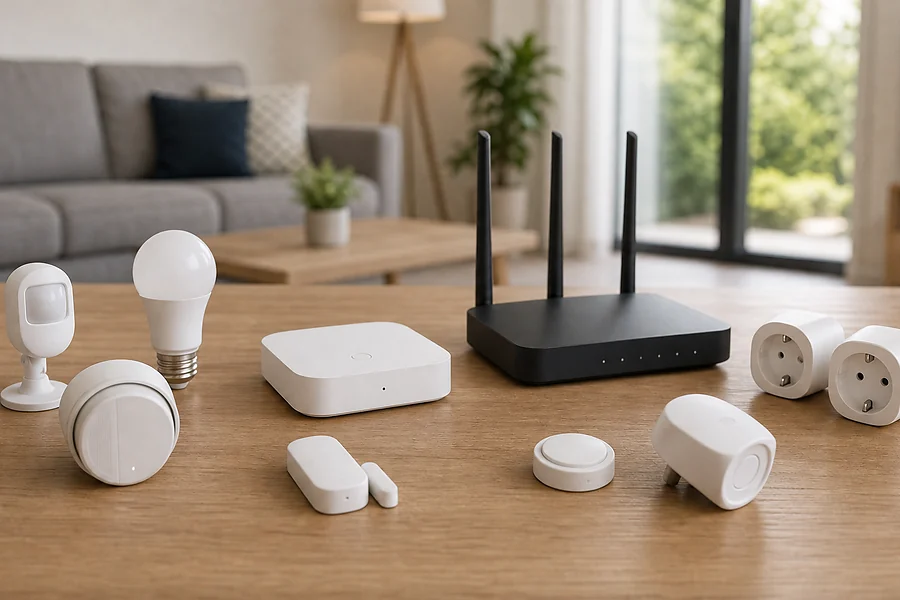
Indicative pricing: a basic kit of sensors and smart plugs starts at 150-400 EUR, a usable starter package with controller, sensors and a few scenarios is often 490-990 EUR, and a larger smart home with heating, lock, cameras and multiple zones is 2,000-5,000 EUR or more.
Prices are indicative and meant to speed up the decision before the site visit. For legal, subsidy or technical conditions, always check the current state before execution. In any offer it is useful to separate equipment, installation, app setup, additional licenses or subscriptions and future expansion. That way the client compares the whole result, not just the cheapest device.
When you compare two offers, compare the same line items: brand and equipment class, warranty, labour, materials, configuration, testing, post-installation support and future expansion. The cheapest offer is not necessarily bad, but it must be clear what is included and what will be charged extra.
Choice table and on-site visit
| Protocol | Best for | Weakness |
|---|---|---|
| Wi-Fi | Cameras, tech | Loads the network |
| Zigbee | Sensors, lights | Needs a hub |
| Z-Wave | Locks, heating | More expensive |
| Mixed | Real home | Compatibility |
- what should happen automatically
- which devices must work even without internet
- who will have access to the app
- whether Wi-Fi is stable in all rooms
- whether the system can be expanded without replacing all equipment
A site visit shows where the signal is weak, where there is no power, which devices need to work locally and who will use the system. This avoids a solution that is technically interesting but tiring in practice.
Related solutions and sources
For smart home packages see /packages, for connection with video surveillance /cameras, and for energy scenarios /solar. Related topic: First steps in a smart home: what to install first.
Frequently asked questions
How much does zigbee vs zwave cost?
Basic systems can be a few hundred euros, a larger smart home several thousand. Price depends on the scenarios.
Does it work without internet?
Critical local scenarios should work without internet; remote notifications usually need internet.
Can I start with a small package?
Yes. It is best to start with security, lighting or heating and expand later.
What is the most common mistake?
Buying devices without verified compatibility and without a clear scenario.
When is a site visit needed?
When you want to connect multiple systems: heating, cameras, lock, sensors or solar.
Free on-site visit
For a smart home without unnecessary devices, book a free site visit: /contact.html.